

Taught by Tanzeel Ur Rehman — bestselling Udemy instructor · 155,000+ students.
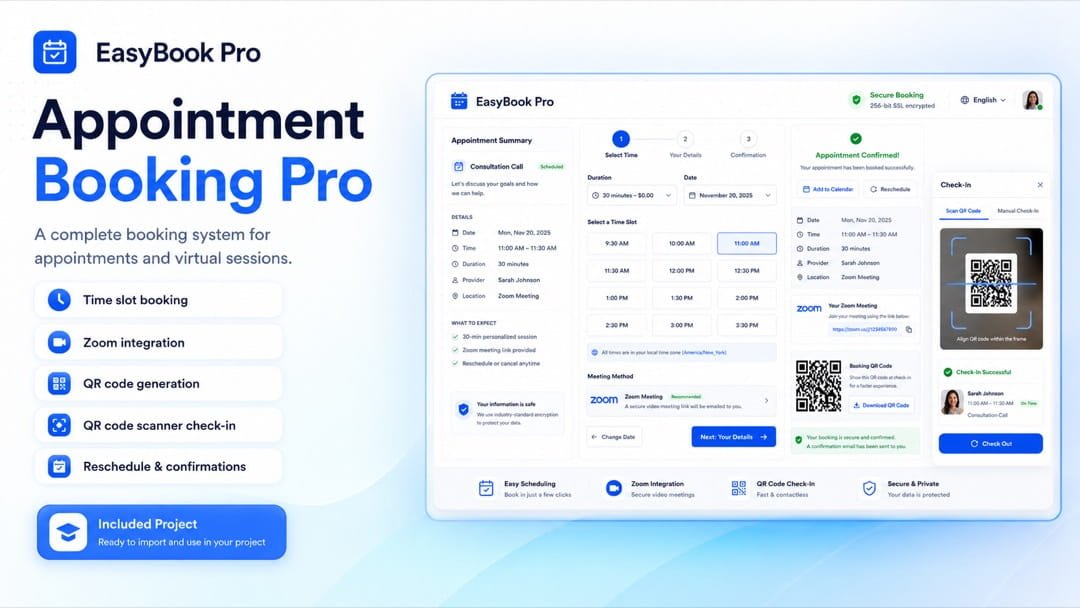
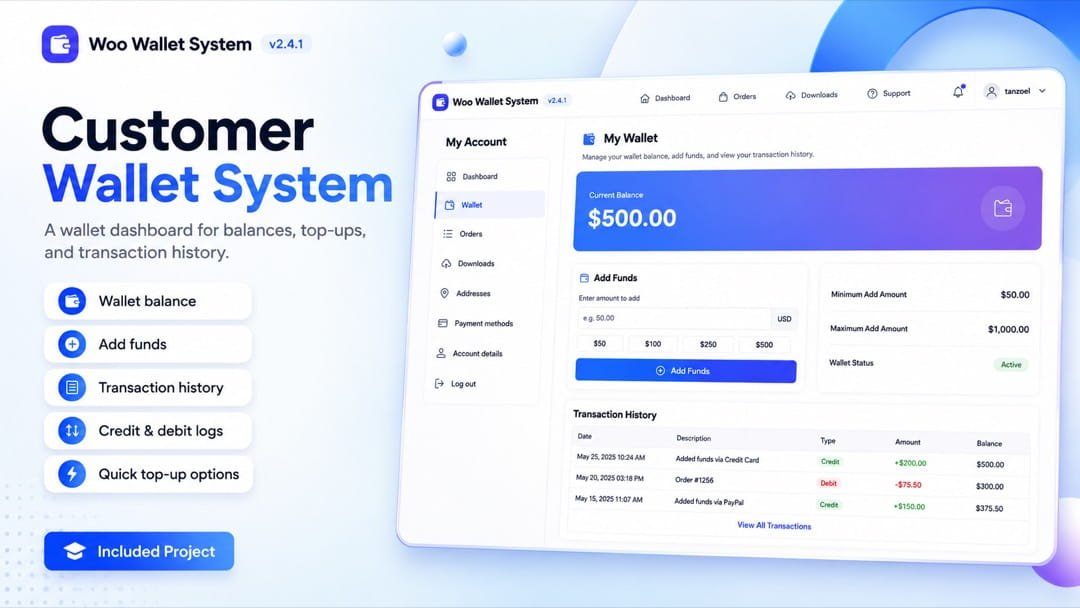
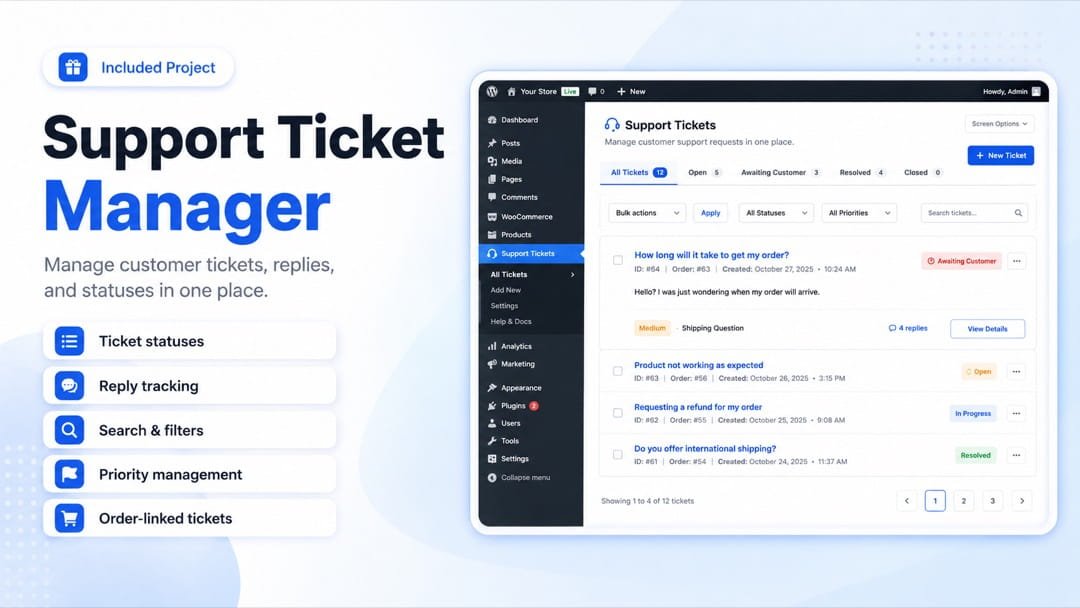
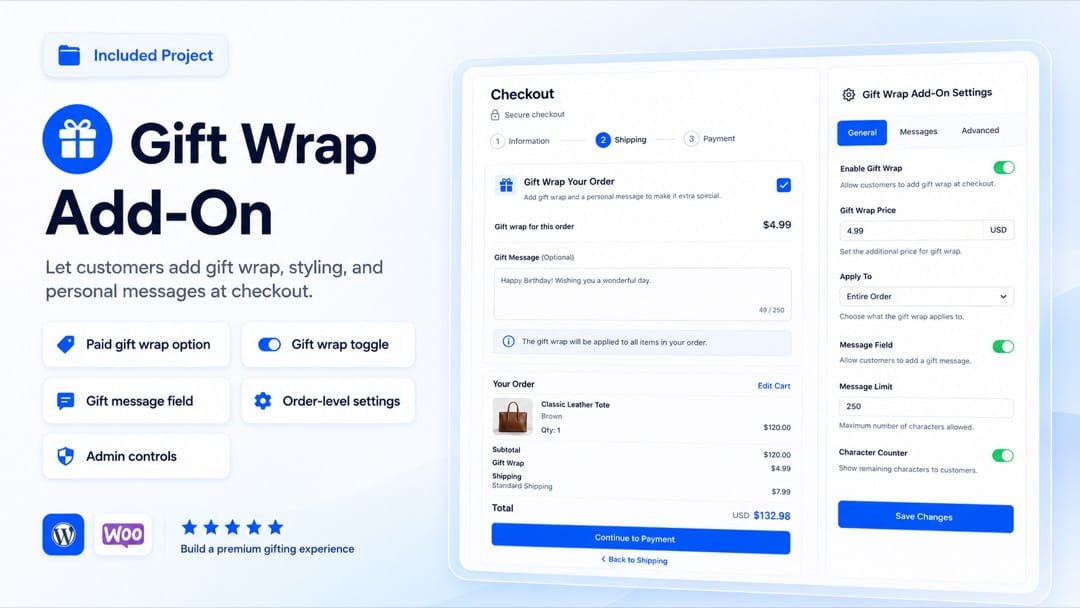
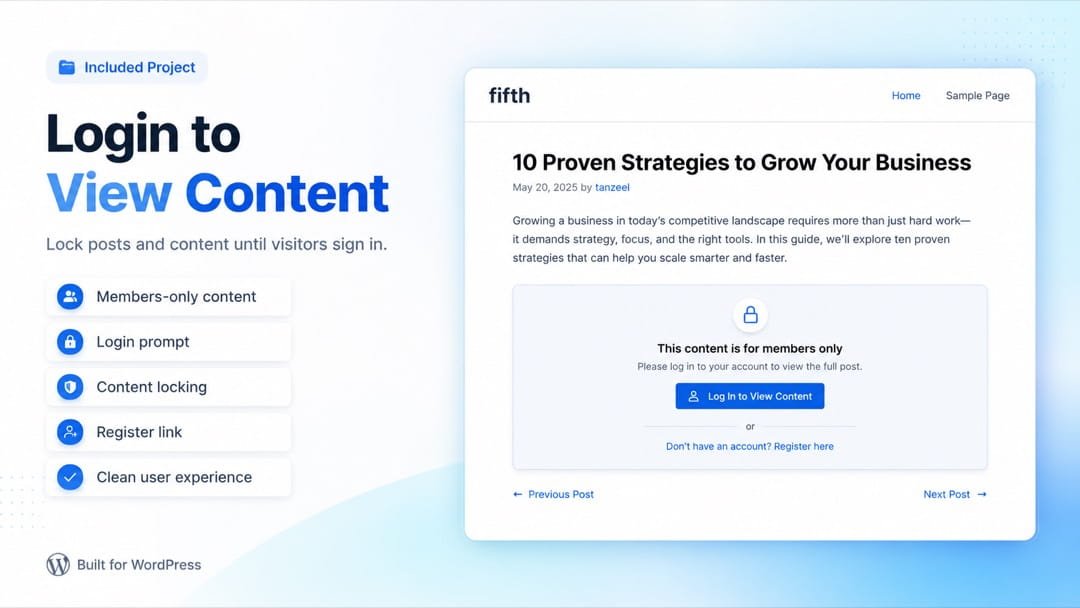
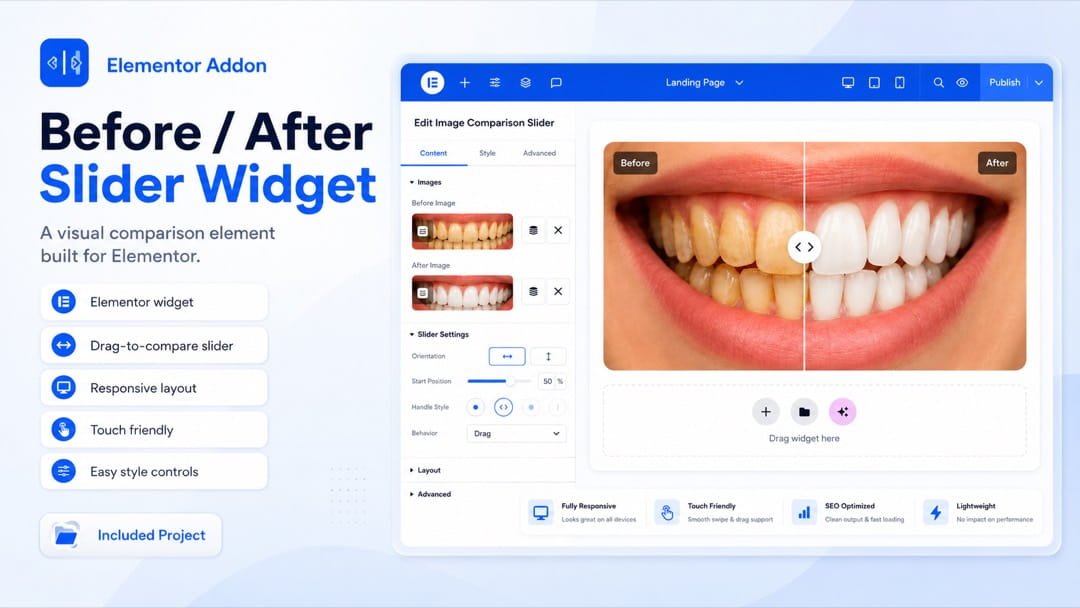
What you will build.
Not random demos — real features clients pay $500–$2,000 to have built.
Curriculum
8 modules, 79 lessons, 25+ hours.
You start with small, confidence-building plugins. Then you move into WooCommerce, Elementor, Claude Code, context planning, and the full appointment booking project.
- ✓.zip files included
- ✓Prompt templates
- ✓Raw project files
Go through the training. If it does not feel worth the investment, email within 7 days for a full refund.
- 24:02
- AI vs Google 15:52
- Why Claude AI? 13:49
- Workflow & Safety 12:43
- How to set up a staging environment? 9:41
- The plugin you will create 2:48
- Adding Functionality (No Code) 15:19
- Prompt + Code 0:51
- Turn It Into a "Real" Plugin 20:56
- Prompt + Code 6:20
- Plugin Slug 6:31
- What you will learn in this section? 1:31
- HTML vs MS Word 21:40
- How to change something in HTML? 13:04
- CSS vs Elementor 14:08
- How CSS is used? 26:01
- How external CSS is added? 6:18
- How to change CSS stylings in AI generated content 26:58
- JavaScript 12:54
- PHP 16:13
- Why prompt engineering is important? 3:15
- Treat Claude as a Developer, Not a Robot 3:35
- Claude Prompt Template 9:36
- Claude Prompt Template Article • 1:18
- What you will learn in this section? 12:08
- Gift Wrap at checkout Plugin 31:35
- [important] How to handle errors + login to see prices plugin 29:23
- User greet shortcode plugin 22:33
- Creating an Elementor Widget 34:08
- What you will learn in this section? 18:23
- LLM vs Agentic AI 8:06
- Why Claude Code 17:05
- [Only for Windows Users] Install Git Bash 14:01
- Claude Code Installation [Windows] 30:05
- Claude Code Installation [Mac] 31:48
- Terminal Basics 24:37
- Lets create a WooCommerce Custom Payment Plugin 30:53
- Claude Code Basics 26:37
- Claude Code Visual Studio Extension (GUI) 6:41
- WooCommerce Support System Plugin 43:48
- How to extend plugin features? 36:38
- Wallet System Plugin 31:06
- How to continue with Claude Code after session limit is reached? 22:37
- How to create an extension (pro version) of a plugin using Claude Code 37:28
- Elementor Feature Plugin Using Claude Code 11:16
- Elementor Dashboard Customizer Plugin 19:39
- Why context engineering is important? 10:09
- How CLAUDE.md file works? 15:32
- How to manage context for bigger and complex plugins? 38:42
- What is agent and how to create an agent? 17:04
- Claude Code Skills (Requirement Generator) 37:02
- How appointment booking plugin will work? 17:29
- Creating the requirements.md file using Claude SKILL 35:26
- Following the multi file workflow (context engineering) 7:13
- Phase 1 & 2 Development 34:32
- Phase 2 testing 8:36
- Phase 3 Development + Testing 27:26
- Phase 4 Development + Testing 34:40
- Email + My Account Testing 46:30
- Phase 5 Development 15:29
- Claude Code missed time slots config 30:51
- Phase 5 Testing: Voucher generation 21:44
- Testing on a live server (QR Camera on mobile) 40:42
- Zoom link & Staff Management Testing 30:58
- Calendar Testing 33:29
- Phase 6 development 7:48
- Cancellation Functionality Testing 28:49
- Reschedule Functionality (API to UI using Claude) 26:16
- Using Claude to test API automatically 6:27
- Reports Testing 20:32
- Custom Final Changes 22:28
- Internationalization and Accessibility 8:45
- WordPress.ORG compliance 11:15
- Unit Testing Document 4:41
- How to create the final .zip file of your plugin using CLAUDE Code 6:33
Why it pays off
One client plugin pays for the whole course.
A single custom plugin from a freelancer costs more than this course — and you learn to build unlimited ones yourself.
Land one client project and the course has already paid for itself — everything after that is profit.
Included free
Plus, you also get these.
Claude Prompt Library
Copy-paste prompt templates for building, debugging, and extending plugins.
Worth $49requirements.md Claude Skill
The exact Skill that turns a feature request into a clean build spec.
Worth $79Plugin starter files
The full source for every project — reuse them on real client work.
Worth $1200Fit check
This is for you if…
- You want to offer custom WordPress plugin work to clients.
- You own WordPress sites and keep needing custom features.
- You want Claude to help you build complete plugins, not random snippets.
Meet your instructor
Hi, I'm Tanzeel.
I'm a bestselling, highest-rated Udemy instructor with 155,000+ students. I've spent years building WordPress, WooCommerce, and Elementor plugins for real clients — and this course teaches the exact workflow I use, on real projects you can install and keep.
- Bestseller& Highest Rated on Udemy
- 155,000+students taught
- 150+plugins for real clients
FAQ
Questions worth answering before you enroll.
Try it risk-free for 7 days
Go through the training and build a plugin. If you don't think it's worth it, email me within 7 days for a full refund — no questions asked.